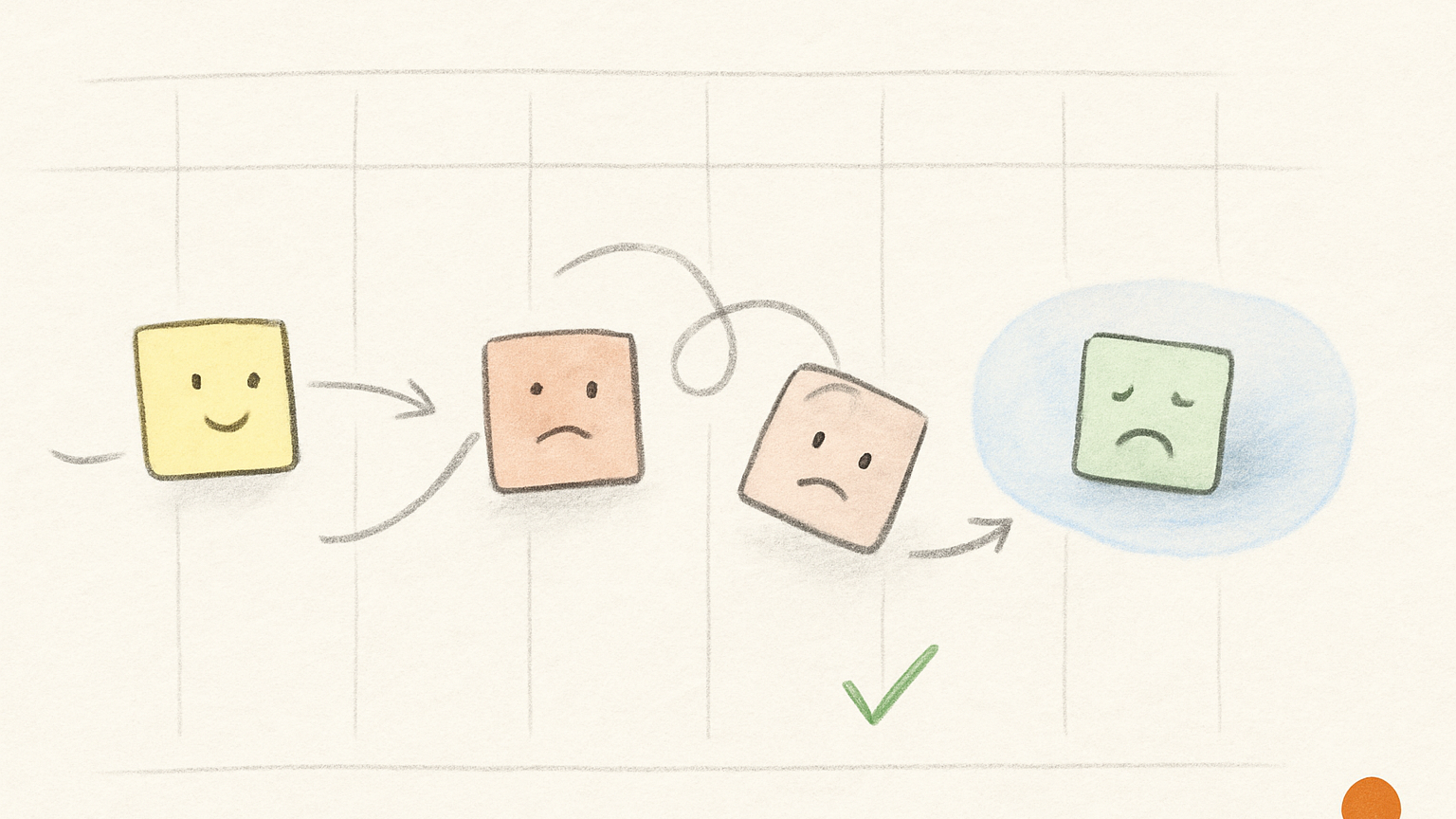
A task that rolls over once is normal. A task that rolls over five times is telling you something.
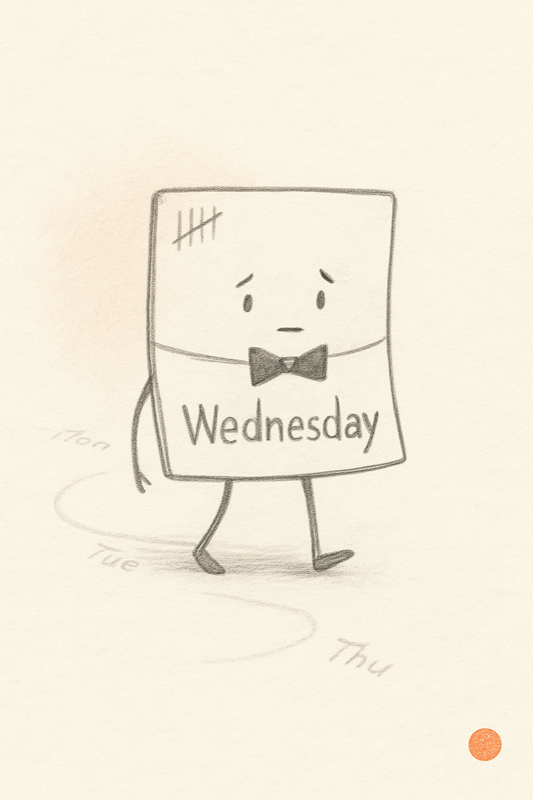
Maybe the task still matters and the day was simply too full. Maybe it is too large, or too vague, or stuck waiting on someone else’s reply. Or maybe it died weeks ago and you are still carrying it because it got lost in your list of things to do.
This is why I do not find “overdue” a very useful task status for todo apps. It collapses all of those different situations into one accusation.
Slate tries to ask a more precise question: should this task roll forward, be rewritten, be split, be released, or disappear? Each answer sends the task somewhere different.
The list was never supposed to empty
A to-do list is closer to a buffer than to a queue. New work arrives while old work is still current, and ideas show up before they are actionable.
An empty list makes a poor goal, then. Zero is pleasant when it happens, but it is not a stable operating model for a working life. No rotting tasks, on the other hand, is a goal you can actually keep.
A rotting task is easy to spot. It has survived several reviews without becoming any more true, and it has been moved forward so many times that moving it stopped being a decision. The words are still there; they just no longer cause anything to happen. That is the task worth examining.
Why tasks rot
The reasons are ordinary. Capture is easier than completion, so tasks arrive faster than they leave. And people estimate optimistically whenever the work sits more than a few hours away: a day looks spacious from the night before, a week looks generous from Friday afternoon, and neither is a reliable witness.
Most systems make this worse by having no graceful exit. They know how to keep a task and how to complete one, but not how to say, without drama, that something no longer belongs here. So the list gets longer, less because the work is important than because the system has no way to forget.
A five-question rollover check
When a task keeps surviving the day, I run it through five questions.
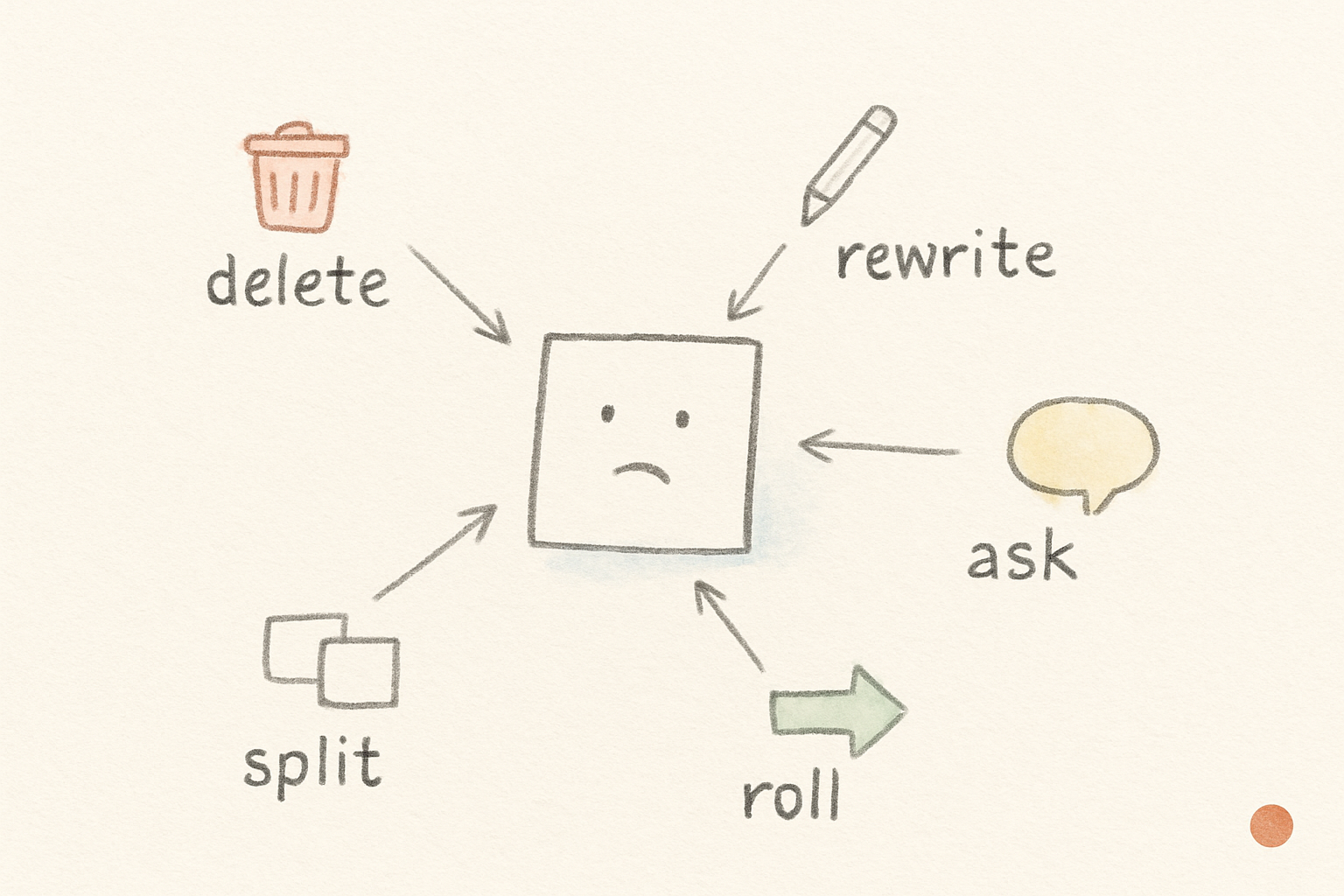
1. Is it still real? If the honest answer is no, delete it. You can call this prioritization if that makes you feel more adult, but often it is just deleting.
2. Is it too vague? “Work on deck” is not a task. “Rewrite the first three slides around the pricing argument” is closer. Vague tasks roll because they give you no edge to grab.
3. Is it too large? Some tasks keep moving because they are actually projects wearing a fake mustache. Split the first physical step from the rest.
4. Is it waiting on another person? If it cannot move until someone replies, rename it as the real action, so “Ask Mira for the latest numbers” rather than “finish forecast.”
5. And does it still belong this week? If yes, roll it. If not, release it back to the Idea Backlog. A task can be perfectly real and still have no place in this particular week.
Roll it or release it
Rolling means the task still matters, just not today, and has earned another spot in the week. Surviving the day is nothing to be ashamed of.
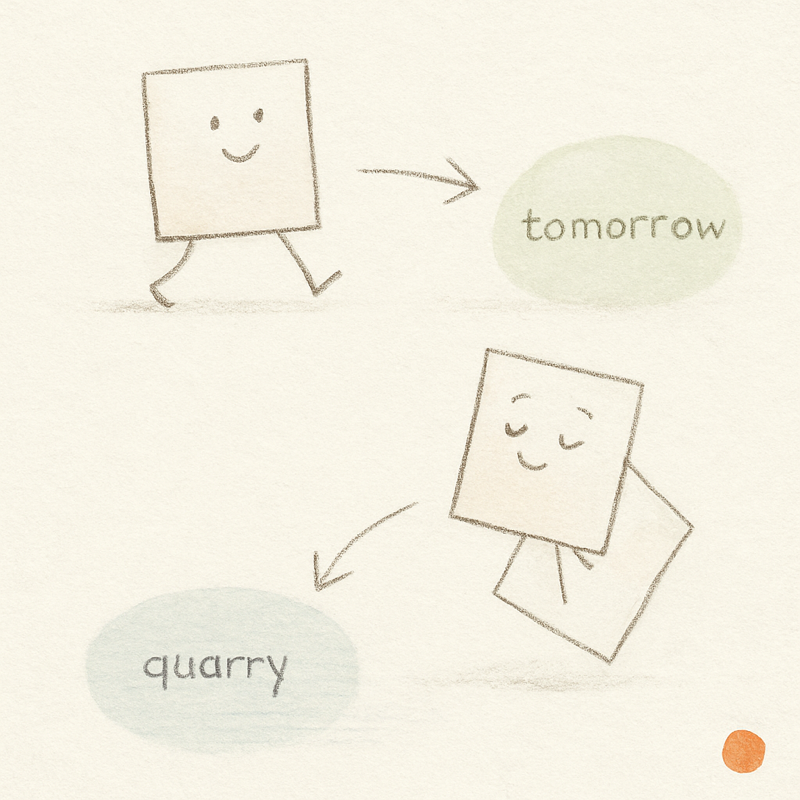
Releasing means the task no longer belongs in the week at all. It might be dead, or it might have been an idea all along, worth remembering but not worth carrying as a commitment.
Many to-do apps do not handle any of this. Everything simply stays on the list until it is done.
Slate gives undone work a second kind of treatment. If a task is still alive, rollover carries it forward into the next day and keeps it in the flow of the week, without a red badge or any overdue theater.
“Call supplier” probably rolls to tomorrow. “Think about new supplier process” probably needs to leave the week until it becomes a real next action. Left where it is, it keeps asking for the wrong kind of attention.
Forgetting is part of planning
Forgetting has a bad reputation in productivity software. Everything is searchable, synced, logged, recoverable. The unspoken rule is that all tasks must stay forever, which is good for trust and terrible for judgment.
A healthier system remembers without making you look. The Idea Backlog holds unfinished material without pretending every item is today’s work. The list shrinks because things moved to where they actually belong.
The task that never gets done is not always a discipline problem. Often it is a placement problem: an idea dressed up as a task, or a leftover from a version of the week that no longer exists. Once you can tell which one you are holding, the move is usually clear. Roll it, rewrite it, release it, or admit it has quietly died and delete it.